claude projects, explained by using them
the reason ai chat feels like groundhog day is that every conversation starts from zero. you re-explain your business, your style, your constraints - then the tab closes and tomorrow you type it all again.
a claude project ends that. it is a workspace with memory: instructions and files that persist, so every new chat inside it starts already briefed. the difference in output quality is not subtle, and it costs five minutes to set up.
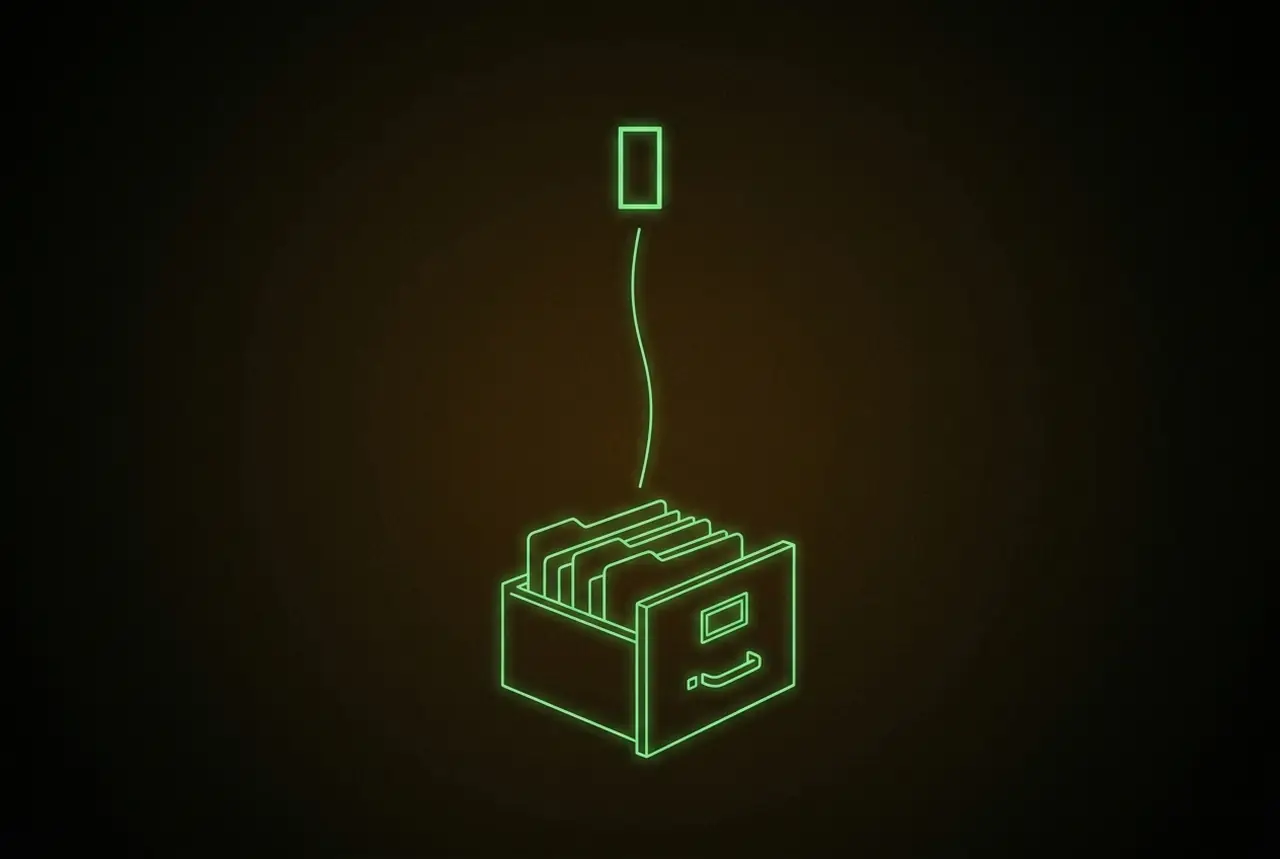
what a claude project is
a project is a container in claude with three parts: its own chat history, a set of custom instructions, and "project knowledge" - files you upload once that every conversation can read. think of it as hiring one specialist and handing them a briefing folder, instead of re-briefing a stranger daily.
work that repeats belongs in a project. one-off questions can stay in regular chat; anything you do weekly deserves a briefed specialist.
set one up in five minutes
that last line is the habit that separates projects that improve from projects that stagnate: corrections typed in chat evaporate; corrections written into instructions compound.
what belongs in project knowledge
the 80/20: examples beat descriptions. one file with three samples of your best work steers claude harder than a page describing your style. after examples, load constraints - the facts that must never drift (prices, names, dates, product truths) - then templates for anything with fixed structure.
leave out everything else. knowledge crowds the model's working attention, so a lean folder of load-bearing files beats an archive dump. if a file would not brief a human freelancer on day one, it does not belong.
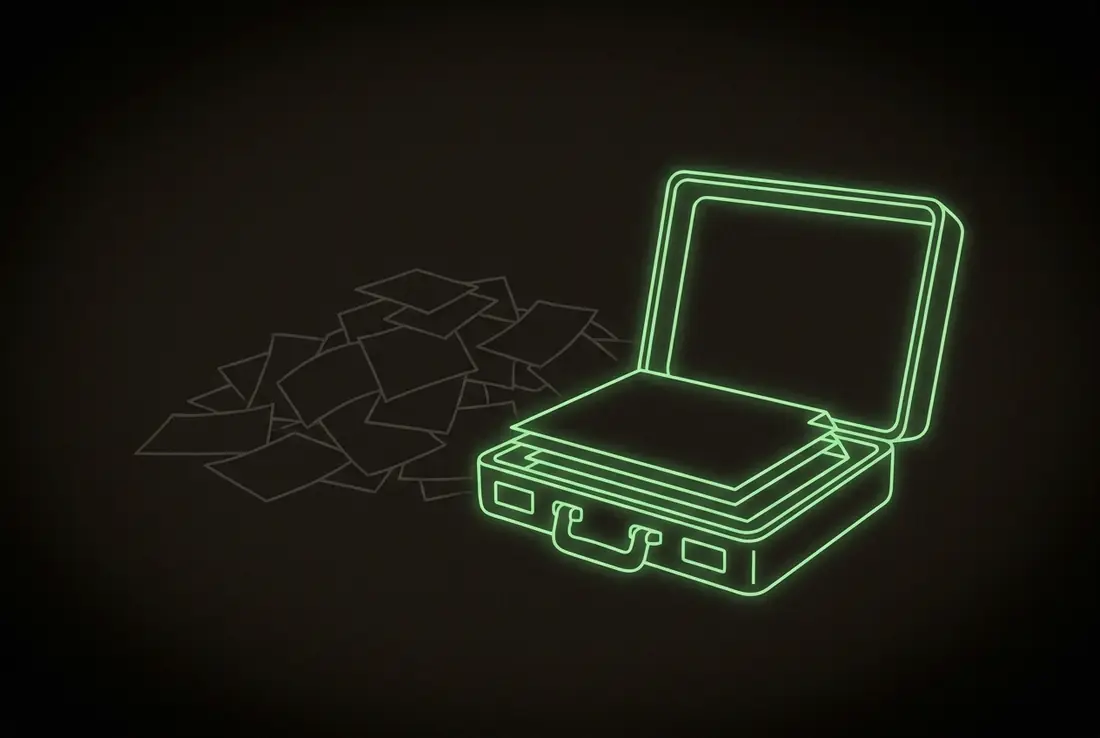
usage and limits, plainly
projects do not cost extra - they draw from your plan's normal message allowance. what to know:
- limits reset on a rolling window; heavy sessions hit the wall faster on long chats, because claude re-reads the whole conversation every turn.
- the practical move: start a fresh chat inside the project per task. the project memory persists anyway - that is its whole point - and short chats burn far less allowance.
- to check where you stand, the usage indicator lives in settings; when a limit nears, claude warns in-chat.
projects vs chatgpt's version
chatgpt has its own projects feature, and the shape is similar: grouped chats, instructions, files. the practical differences show at the edges - how much knowledge fits, how reliably instructions hold across long work, how file contents get used. run the same real task in both and keep the one whose output needs fewer repairs (the full comparison, by the job); for writing-heavy and code-heavy work, that test has kept us on claude.
three real setups
- the writing desk. instructions: voice rules, banned words, structure. knowledge: three best posts, the style guide. every draft comes back in-voice instead of ai-default.
- the code shop. instructions: stack, conventions, how to present changes. knowledge: architecture notes, the gotchas file. for full autonomy this graduates from a project to an agent, but the briefing discipline is identical.
- the research bench. instructions: how to source, how to cite, what counts as evidence. knowledge: the running notes file. ask, get answers grounded in your own accumulated material.
the pattern under all three: a project turns your standards into infrastructure. you stop performing quality control in every chat and start owning it once, in writing - the same move as owning any other asset.
your hour
- pick the one job you brief an ai on repeatedly
- create the project, write ten lines of instructions in imperatives
- upload your three best examples of the finished work
- run this week's real instance in it; move every correction into the instructions before you close the tab
faq
what is a claude project?
a workspace in claude that keeps custom instructions, uploaded files, and chat history together, so every conversation inside it starts with full context instead of zero.
do claude projects cost extra?
no - they are included in paid plans and draw on the same usage allowance as normal chats.
claude projects or chatgpt projects?
same concept, different edges. test both on one real task from your week and keep whichever needs fewer corrections; our work stays in claude.
what files should i upload to a project?
your best examples of the output, the constraints that must never drift, and any fixed templates. lean beats complete - brief it like a competent freelancer, not like an archive.
more in the notes.